How to Create Bulk Wall Art Mockups in Photoshop
By Usama Saad · Updated Aug 28, 2026
Organize artwork and room-scene PSDs, control frame aspect ratios, and export a consistent wall art mockup collection.
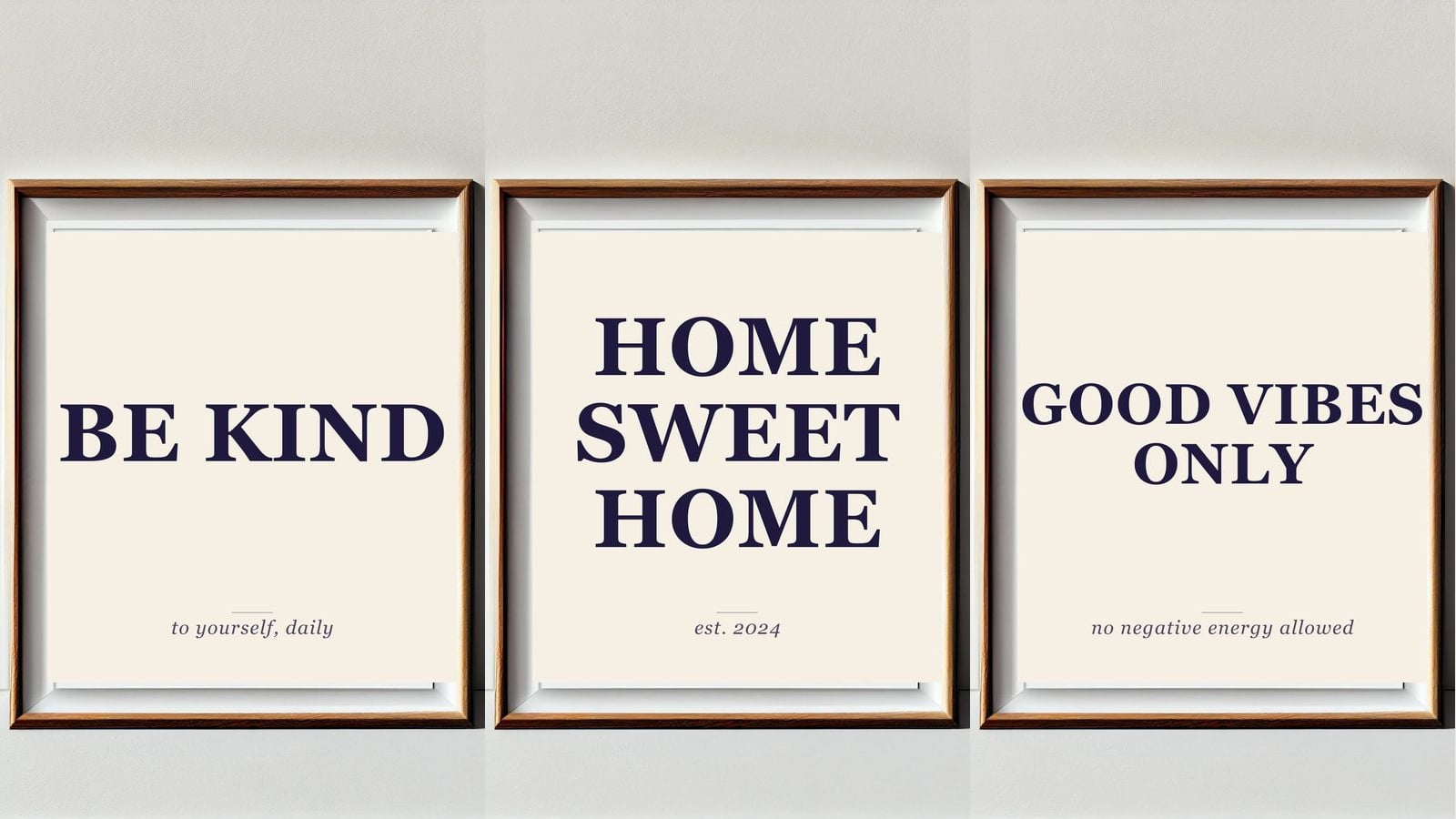
Bulk wall art mockups combine an artwork collection with framed-room or interior-scene PSD templates. The main production challenge is not opening files. It is maintaining consistent crop, scale, naming, and scene selection across different aspect ratios.
Prepare the wall art PSD templates
Open each room scene and confirm that the frame artwork is a compatible smartobject. Test the PSD manually and inspect masks, frame edges, perspective, glare, and shadows. Remove unrelated template variations from the production folder.
Group templates by expected artwork ratio when possible:
- Square
- Portrait
- Landscape
- Panoramic
Prepare the artwork folder
Use meaningful filenames that connect each design to its product or SKU. Confirm color profile, pixel dimensions, orientation, and transparent edges before automation. A low-resolution design will remain low resolution after placement.
Choose how artwork fits the frame
Fit keeps the complete artwork visible and can leave unused space. Fill covers the frame and can crop edges. Guide-based placement is useful when the smartobject canvas includes matting or a printable area smaller than the full canvas.
Test artwork with important details near every edge. A crop that looks acceptable on an abstract print may remove text or a signature from another design.
Choose a folder or CSV workflow
Folder combinations are useful when every artwork should appear in every room scene. CSV rows are better when certain designs should appear only in selected rooms, frame colors, or aspect-ratio templates.
Create traceable filenames
Include the artwork identifier and scene or template identifier. Keep filenames short enough for the operating system and any marketplace workflow that follows. Do not put customer names or other private data in public listing-image filenames.
Export and review
JPG and WEBP are useful for storefront images. PSD output keeps an editable result when needed. Review at least one output from each template and aspect ratio before accepting the whole batch.
Mockups Generator creates the files locally. It does not upload or publish Etsy listings.
Explore the bulk wall art workflow and learn about Etsy listing mockups.
Continue with Photoshop mockup automation
Browse all Photoshop tutorials, explore the Photoshop bulk mockup generator, or try 150 lifetime generations free.